Why You Need a Credit Score Simulator
Making credit decisions without knowing how they will affect your score is like driving without a GPS. You might get where you are going, but you will probably take some wrong turns along the way.
Credit score simulators let you model “what if” scenarios before you take action. What happens if you pay off that collection? What if you open a new credit card? What if you pay your credit card balance down to zero? A good simulator gives you directional answers to these questions so you can make informed decisions.
This guide covers how simulators work, which ones are worth using, and how to incorporate simulation into your credit improvement strategy.
How Credit Score Simulators Work
At their core, credit score simulators use a simplified version of the same mathematical models that generate your actual credit score. They take your current credit data, apply a hypothetical change (like reducing a balance or removing an account), and estimate how that change would affect your score.
The accuracy depends on two things:
The scoring model used. Simulators built on actual FICO or VantageScore algorithms are more accurate than those using proprietary estimation models.
The data available. Simulators that access your actual credit bureau data produce better estimates than those that ask you to self-report your credit situation.
What Simulators Can Model
Most good simulators let you test these scenarios:
- Paying off a credit card balance (partially or fully)
- Paying off or settling a collection
- Opening a new credit card or loan
- Closing an existing account
- A late payment appearing on your report
- Removing a negative item through dispute
- Increasing your credit limit
- Becoming an authorized user on someone else’s account
What Simulators Cannot Model
Simulators have limitations. They typically cannot account for:
- Exact timing of when data furnishers report to bureaus
- How specific creditors categorize payments
- The interaction effects between multiple simultaneous changes
- Scoring model differences between FICO 8, FICO 10T, and VantageScore
- Creditor-specific scoring overlays and decision models
Best Credit Score Simulators in 2026
Credit Booster AI Simulator
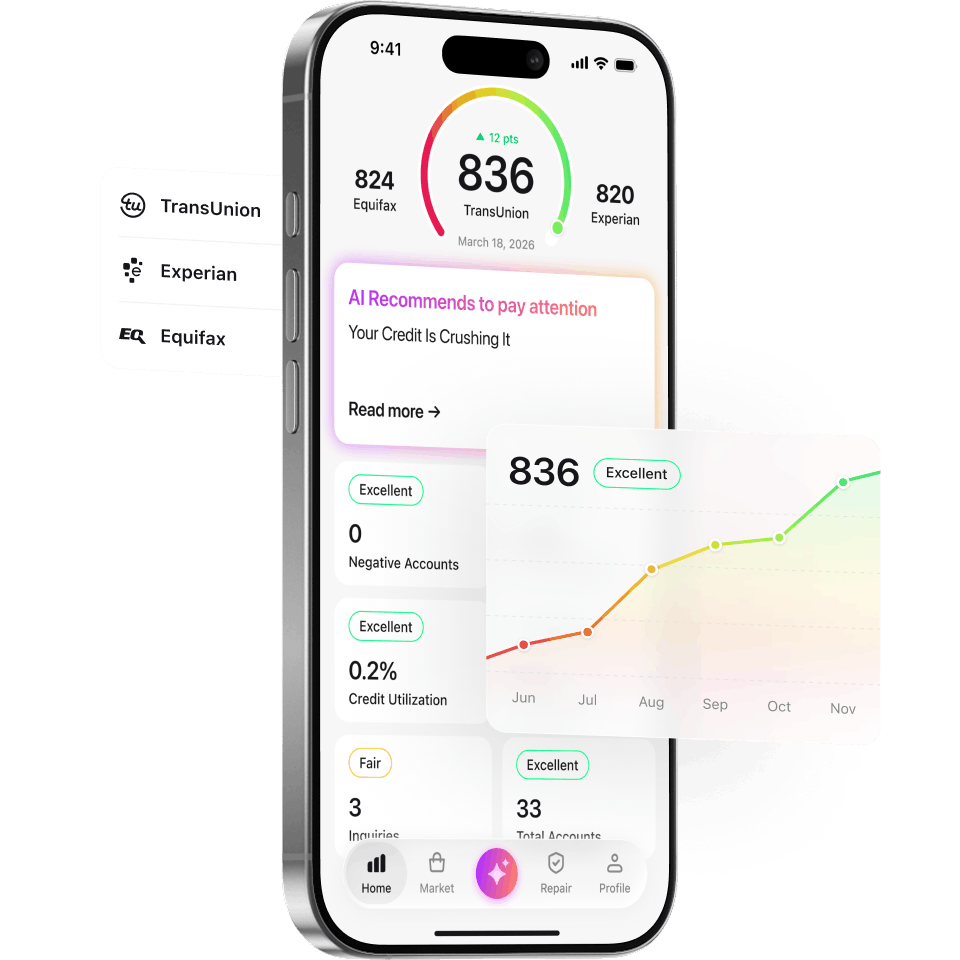
Credit Booster AI offers an AI-powered score simulator that goes beyond simple “what if” modeling. It analyzes your complete credit profile across all three bureaus, identifies the highest-impact actions you can take, and ranks them by estimated score improvement.
What sets it apart: the AI considers your specific credit profile holistically rather than modeling each change in isolation. It understands that paying off one collection might have a different impact depending on your other accounts, your utilization ratio, and the age of your credit history.
Experian FICO Score Simulator
Available through Experian’s website (free and paid tiers), this simulator uses your actual Experian FICO 8 data. You can model scenarios like paying down balances, opening new accounts, or missing payments. Because it uses real FICO methodology, it tends to produce more accurate estimates than third-party tools.
Limitation: it only simulates your Experian FICO score. It does not model your Equifax or TransUnion scores.
Credit Karma Score Simulator
Credit Karma’s free simulator uses VantageScore 3.0 data from TransUnion and Equifax. It allows you to model common scenarios and see estimated impacts. The interface is user-friendly and the tool is completely free.
Limitation: VantageScore is used by fewer lenders than FICO, so the simulator may not reflect the score that your lender actually sees. Our FICO vs VantageScore guide explains the differences.
MyFICO Score Simulator
MyFICO offers a simulator as part of their paid subscription ($29.95 to $39.95 per month). It uses your actual FICO scores from all three bureaus and models scenarios across multiple FICO versions. This is the most comprehensive option but also the most expensive.
How to Use a Score Simulator Strategically
Before Paying Off Debt
Run a simulation before you throw money at debt repayment. The results can be surprising.
Paying off a credit card balance almost always helps because it directly reduces your utilization ratio. The impact is largest when you are going from high utilization (above 50%) to low (below 30%).
Paying off a collection is more complicated. In older FICO models (FICO 8), paying a collection does not remove it from your report, and the paid status does not always improve your score. In newer models (FICO 9 and 10), paid collections are weighted less. Our collections guide explains the nuances.
Settling a debt for less than owed will show as “settled” rather than “paid in full,” which some scoring models treat differently. Simulate both outcomes before deciding.
Before Opening New Accounts
Simulating a new account helps you understand the trade-off between the short-term score dip from a hard inquiry and the long-term benefit of additional credit and improved utilization.
For example, opening a new credit card with a $5,000 limit reduces your overall utilization ratio, which can offset the inquiry impact within a month or two. But if you already have low utilization and a thin file, the inquiry might hurt more than the new account helps.
Before Closing Accounts
This is where simulators prevent costly mistakes. Closing a credit card reduces your total available credit, which increases your utilization ratio. It also eventually removes the account from your average age calculation (after it falls off your report in about 10 years).
Simulation can show you whether closing a specific card will significantly impact your score or barely move it. Read more in our should I close old credit cards guide.
Planning Multi-Step Credit Repair
The most powerful use of simulation is planning a sequence of actions. For example:
- Simulate disputing an inaccurate collection (estimated +25 points)
- Simulate paying down a credit card from 60% to 10% utilization (estimated +30 points)
- Simulate opening one of the best secured credit cards for building credit after the first two steps (estimated -5 short-term, +10 long-term)
This kind of sequenced planning helps you prioritize actions and set realistic expectations. Check our credit repair step-by-step guide for the full framework.
Common Simulation Mistakes
Simulating one change while ignoring others. Your score is not a single-factor calculation. If you simulate paying off a collection but also plan to open two new cards, the combined effect may differ from what each simulation shows individually.
Relying on the exact point estimate. Treat simulator output as a range, not a precise number. If a simulator says “+20 points,” expect somewhere between +10 and +30 in reality.
Ignoring the timing factor. Simulators show the eventual impact, not the immediate one. A new account creates an inquiry that lowers your score first, then improves it as the account ages. Simulators may not show this timeline clearly.
Using a VantageScore simulator for a FICO decision. If you are applying for a mortgage (which uses FICO), simulating with a VantageScore tool gives you less useful information. Match the simulator to the scoring model your lender uses.
Building Your Credit Strategy With Simulation
The ideal approach combines simulation with expert analysis:
- Get your credit reports from all three bureaus
- Identify negative items and potential improvements
- Use Credit Booster AI to simulate the impact of different actions
- Prioritize actions by estimated score impact
- Execute your highest-impact actions first
- Re-simulate after each change to adjust your plan
For a deeper understanding of the factors you are trying to optimize, see our credit factor breakdown guide and understanding credit scores guide.
For professional help creating and executing a credit strategy, CreditBooster.com offers expert guidance, and JoinCreditClub.com provides ongoing education and tools.
The Bottom Line
Credit score simulators are planning tools, not crystal balls. They will not tell you your exact future score, but they will help you make smarter decisions about debt repayment, account management, and dispute strategies. Use them before every major credit decision, and you will avoid the surprises that set people back.
The best simulator is one that uses your actual credit data, models scenarios across your complete profile, and helps you prioritize actions by impact. That is exactly what we built into Credit Booster AI.
Loving This Info? You'll Love Our App.
Everything you just read, plus AI-powered tools to understand and master your credit. Free to start.
Get the AppFrequently Asked Questions
How accurate are credit score simulators?
Credit score simulators provide estimates, not exact predictions. The best simulators (those built on actual FICO or VantageScore models) are typically within 10 to 20 points of your actual result. Free simulators from third-party sites are less precise.
Can a credit score simulator tell me my exact future score?
No. Simulators model how specific actions might affect your score, but actual results depend on many variables including how creditors report data, timing of bureau updates, and interactions between multiple score factors. Use simulators for directional guidance, not exact predictions.
What is the best free credit score simulator?
Credit Karma's simulator uses VantageScore data, which is free and useful for general guidance. Experian's FICO Score Simulator uses your actual FICO data and tends to be more accurate. Credit Booster AI offers AI-powered simulations based on your complete credit profile.
Should I use a simulator before paying off debt?
Absolutely. Simulating the impact of paying off a specific account helps you prioritize which debts to tackle first. Sometimes paying off a collection can temporarily lower your score, which a simulator can help you anticipate.